
Set Up Your Real Estate CRM Effectively
Real Estate, CRM, Lead Management
How to Set Up Your Real Estate CRM the Right Way
A well‑configured CRM can be the difference between a scattered contact list and a predictable pipeline of closings. Here’s how to set up your real estate CRM the right way, and how tools from RealEstateEasier.com can simplify every step.
Start With a Clear Real Estate CRM Strategy
Before you click a single setting, define what you want your CRM to do for your real estate business. Are you focused on online buyer leads, past‑client referrals, or listing appointments? Your answers determine how you structure fields, tags, and automations so the system supports your actual goals instead of becoming a cluttered address book.
💡 Pro Tip: Write down your top three outcomes—such as “never miss a follow‑up,” “track every lead source,” and “increase repeat business”—and keep them visible while you set up your CRM.
Clean, Import, and Organize Your Contacts Properly
A CRM is only as good as the data inside it. Before importing, clean your spreadsheets: remove duplicates, fix obvious typos, and separate first and last names. Create basic categories such as leads, active clients, past clients, and sphere of influence. This ensures every contact lands in the right place from day one, which makes future automation and reporting far more reliable.
Standardize phone numbers and email formats for easier dialing and emailing.
Add key dates like “first contact” or “closed date” to support nurturing campaigns.
Note lead source (portal, open house, referral) so you can measure ROI later.
Build Smart Segments, Tags, and Pipelines
The “right” CRM setup for real estate hinges on how well you segment your database. At a minimum, you should be able to filter by client type (buyer, seller, investor), timeline (hot, warm, cold), and location or neighborhood. Tags help you add extra context—such as “luxury,” “first‑time buyer,” or “downsizing”—without overcomplicating your fields.
Next, design simple pipelines for your core workflows. For example, a buyer pipeline might include stages like New Lead, Contacted, Appointment Set, Touring, Offer Sent, and Closed. A clear visual pipeline keeps you focused on moving people to the next step instead of just “staying busy.”
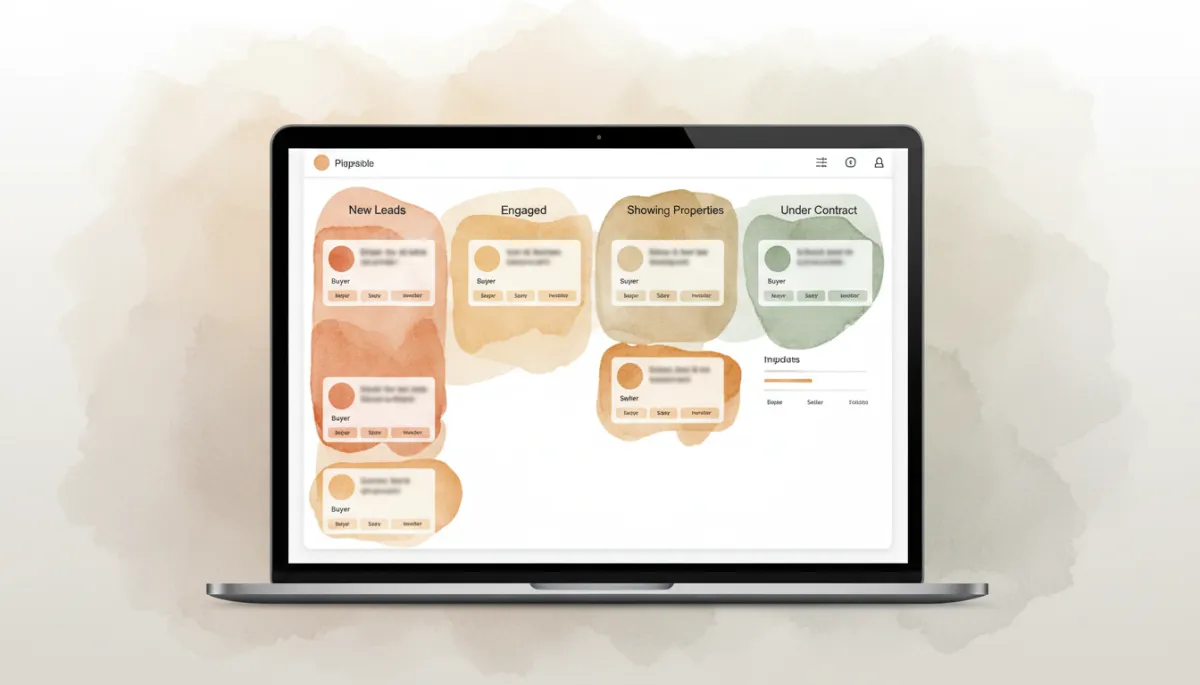
Clear pipelines and tags make it easy to see who needs attention today.
Automate Follow‑Ups Without Losing the Human Touch
The biggest advantage of a real estate CRM is consistent follow‑up. Set up reminders and simple automation so no lead slips through the cracks. For instance, new buyer inquiries can receive an instant, friendly email, followed by a task for you to call them within a set time. Past clients might receive automated check‑ins around home anniversaries or market updates tailored to their area.
📌 Key Takeaway: Automation should support your relationships, not replace them. Use it to schedule calls, send helpful resources, and remind you to reach out personally.
How RealEstateEasier.com Tools Help You Set It Up the Right Way
Setting up a CRM from scratch can feel overwhelming, which is where tools from RealEstateEasier.com come in. Instead of guessing which fields, tags, and pipelines you need, you can start with real‑estate‑specific templates designed around actual agent workflows. These templates help you structure your database for buyers, sellers, landlords, and investors from day one, so your CRM is useful immediately—not “someday.”
RealEstateEasier.com also provides guided checklists for data cleanup and import, so you can move contacts from spreadsheets, email, and phone into one organized system without losing valuable details. Pre‑built follow‑up sequences, task reminders, and pipeline stages are tailored specifically to real estate, helping you stay consistent with less manual effort.
As your business grows, you can refine your setup instead of rebuilding it. Because the tools are built for agents and teams, it’s easy to add new lead sources, adjust stages, and track performance—while keeping everything aligned with the original structure you created.
Final Thoughts: Make Your CRM Your Most Valuable Asset
When you set up your real estate CRM the right way—clean data, smart segments, clear pipelines, and thoughtful automation—it becomes the backbone of your business. Combine that foundation with the real‑estate‑focused tools from RealEstateEasier.com, and you get a system that supports you daily instead of demanding constant maintenance. Start with structure, lean on proven templates, and let your CRM work as hard as you do for every client and every closing.
